
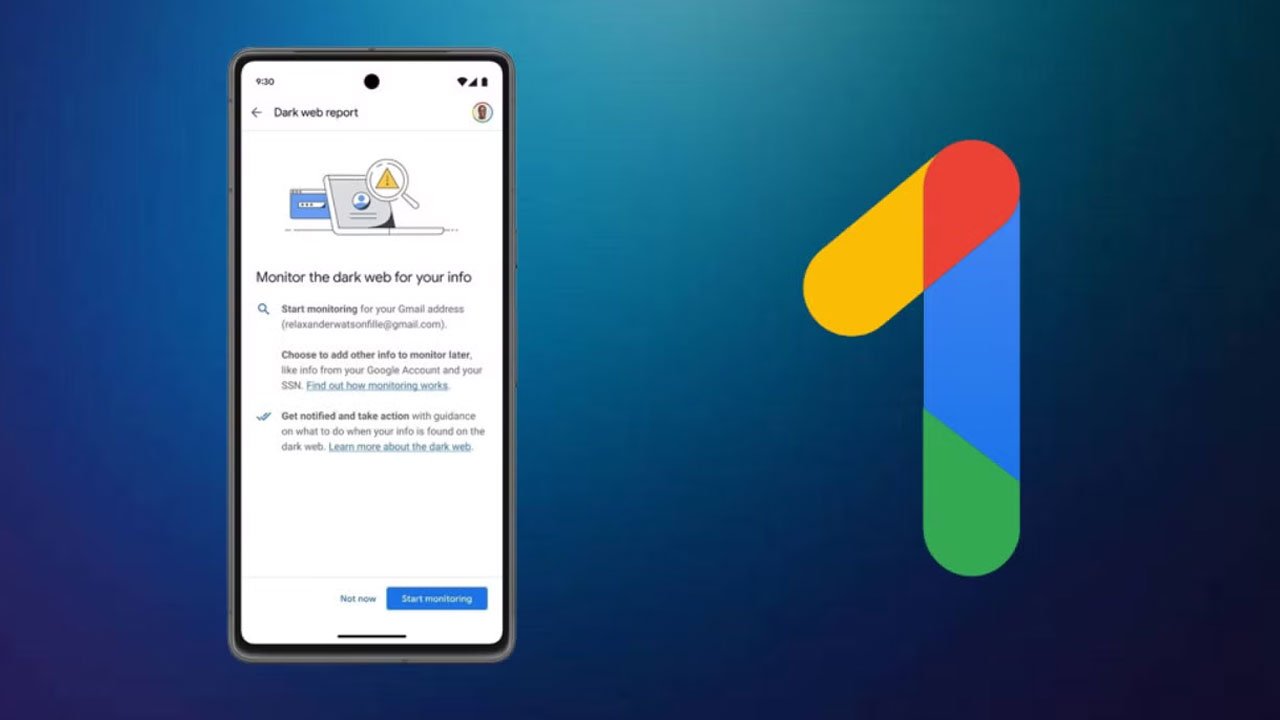
The feature was launched about a year and a half ago. Its goal was to monitor whether a user's personal information had been leaked on the dark web. If any of this information, including email addresses, phone numbers, names, or social security numbers, was found, the user would be notified.
Many users initially found the feature useful, but dissatisfaction grew over time. According to Google's support page, user feedback showed that the tool did not provide clear instructions on what to do, even if it identified risks.
Similar complaints were also raised on social media. Many users, especially on Reddit, said that after receiving the report, it was not clear what to do. In most cases, there was no clear solution other than simply changing the password.
Google says that this is why it decided to close the feature. The company said that it now wants to focus on security tools that provide more effective and realistic guidance for users.
In a statement, Google said it will continue to work to protect users from online risks. It will continue to monitor online threats, including the dark web, and develop new and improved tools to protect personal information.
Instead of the Dark Web Report, Google recommends using other security features. These include 'Security Checkup', which checks the security status of your Google account. And 'Password Manager' helps you create strong and unique passwords. The 'Password Checkup' feature warns you if your saved passwords have been compromised.
Google said that the Dark Web report was previously sent to users via email. The information was first reported by technology site NineTwoFiveGoogle.
Importantly, the dark web scanning activity will be discontinued from January 16, 2026. A month later, on February 16, the feature will be completely discontinued. At that time, all related information will be deleted from Google's servers.
For those who want to delete their information in advance, there is also an option. Go to the 'Results with Your Info' option and select 'Edit Monitoring Profile'. From there, you can delete the information by going to the 'Delete Monitoring Profile' option.